How I changed the way 28,000 companies manage rail freight
When I joined JSC RZD, customers needed specialist knowledge to use its freight portal: which document came next, what internal codes meant, and where to finish tasks the portal couldn’t handle.
I initiated a redesign around the shipment itself, designed the core workflows and prototypes, and stayed hands-on through delivery while building and leading a five-person design team.
The platform reached 33k monthly active users across ~28,000 companies. The cycle from accepted shipping documents to signed delivery paperwork fell from 30 to 14 days, and inquiries to RZD managers dropped by 45% in the first year.
The portal had functions, but no workflow
The legacy client portal was slow, unstable and inconsistent. It pulled single functions out of a much larger railway system, and those functions never added up to a customer journey.
Arranging one shipment meant moving between unrelated functions and, in many cases, back to the legacy system to finish. One document exposed 29 statuses, many of them technical. After signing an important document, the portal could drop the user on the home page with no confirmation and no next step.
This was not a screen-level design problem. The portal was essentially a thin access layer over railway functions, while customers still depended on the underlying professional system to complete real work. I built the business case around the potential economic and reputational impact, won support for a broader product rebuild, partnered with the development department, and built a design team around it.
I rebuilt the product around one complete job: moving a shipment
My core idea was to stop treating documents, tracking, payments and services as separate destinations. The customer’s goal was not to fill in a document or check a status; it was to move a shipment from origin to destination. I introduced Shipment as the central product entity and connected everything needed to complete that job around it.
Each shipment held the route, cargo, wagons and containers, documents, services, money and a timestamped event feed, so users could move through a process without memorising how the railway structured it.
Before: separate functions
- Documents
- Tracking
- Payments
- Services
Customers often had to go back to the legacy railway system to finish. One document had 29 statuses; signing could drop the user on the home page.
After: one shipment
Shipment · plain status · next action
- Route
- Cargo
- Wagons & containers
- Documents
- Services
- Money
- Event feed
Read diagram description
Before: documents, tracking, payments and services were separate functions. Customers often went back to the legacy railway system to finish. One document had 29 statuses, many of them technical, and signing an important document could drop the user on the home page with no next step.
After: the shipment is the central object. It holds the route, cargo, wagons and containers, documents, services, money and an event feed, and shows a plain status with the next action.
I also cut the status model down to what customers needed. Technical states stayed available for the people who used them; the main interface showed plain names, timestamps and the next action.
With the shipment as the main object, documents, tracking and payments shared one structure, and that model became the standard across the platform.
Bringing route, services and price into one decision
Clients used to plan routes from their own experience, tips from colleagues and unofficial tariff calculators. I brought route, station and tariff data into one view, so they could compare realistic options side by side.
I labelled the useful trade-offs, such as fastest and cheapest. The bigger change was extra services. They used to sit in catalogues and separate processes, so a customer had to know they existed. I moved them into route planning, where the system knew the origin, destination, cargo and special requirements and could offer the options that fit, such as warehouse pickup or the road leg to the railway. Use of additional services grew by 5%.
The rail charge had one more catch: RZD fixed the final amount after the shipment arrived and the last documents went through. So I showed a calculated price, its breakdown and the costs that could still change, and labelled the whole figure an estimate.
The estimate sat next to the company’s settlement account. If the shipment pushed the company past its allowed debt limit, the product asked the client to contact their RZD manager first.
Making a 278-field legal document usable
For complex freight operations, many customers had no practical alternative to a professional legacy system. It was powerful, and it demanded long training and deep domain knowledge. We were building that alternative.
The consignment note showed the gap best. It could hold up to 278 fields across hundreds of scenarios: dangerous goods, export, containers, mixed cargo, extra parties such as insurers or private-track owners, and many rare exceptions.
I regrouped fields by meaning and then by role, showed a conditional section once an answer called for it, and pushed for autofill from every source we could trust. Pick timber, and the system knew the cargo fell outside dangerous goods and dropped that branch. Ship a container inside a wagon, and the flow opened the nested fields at that moment.
Checks ran as early as they could, so nobody went far down an invalid branch. Before signing, users saw a short summary, the check results and a PDF preview. Colleagues could share drafts within the company’s permissions.
The work took almost a year, because rare cases mattered. We launched the waybill once we trusted that it covered the full decision tree.
Turning repeat shipments from data entry into review
Many companies shipped the same cargo along the same routes, using almost the same document set each time. With cloning, a recurring shipment meant checking what had changed and signing it.
91% of regular shipments used clone/reuse.
Bulk wagon work followed the same idea. A shipment could involve 1 to 50 wagons, and a company might run hundreds or thousands. Customers could paste a list from their own systems, fix invalid or repeated rows, apply shared values and correct individual exceptions without starting over.
The system knew about a hundred parameters for many wagons and containers. I surfaced single values where they mattered, such as a wagon due for maintenance or an export requirement.
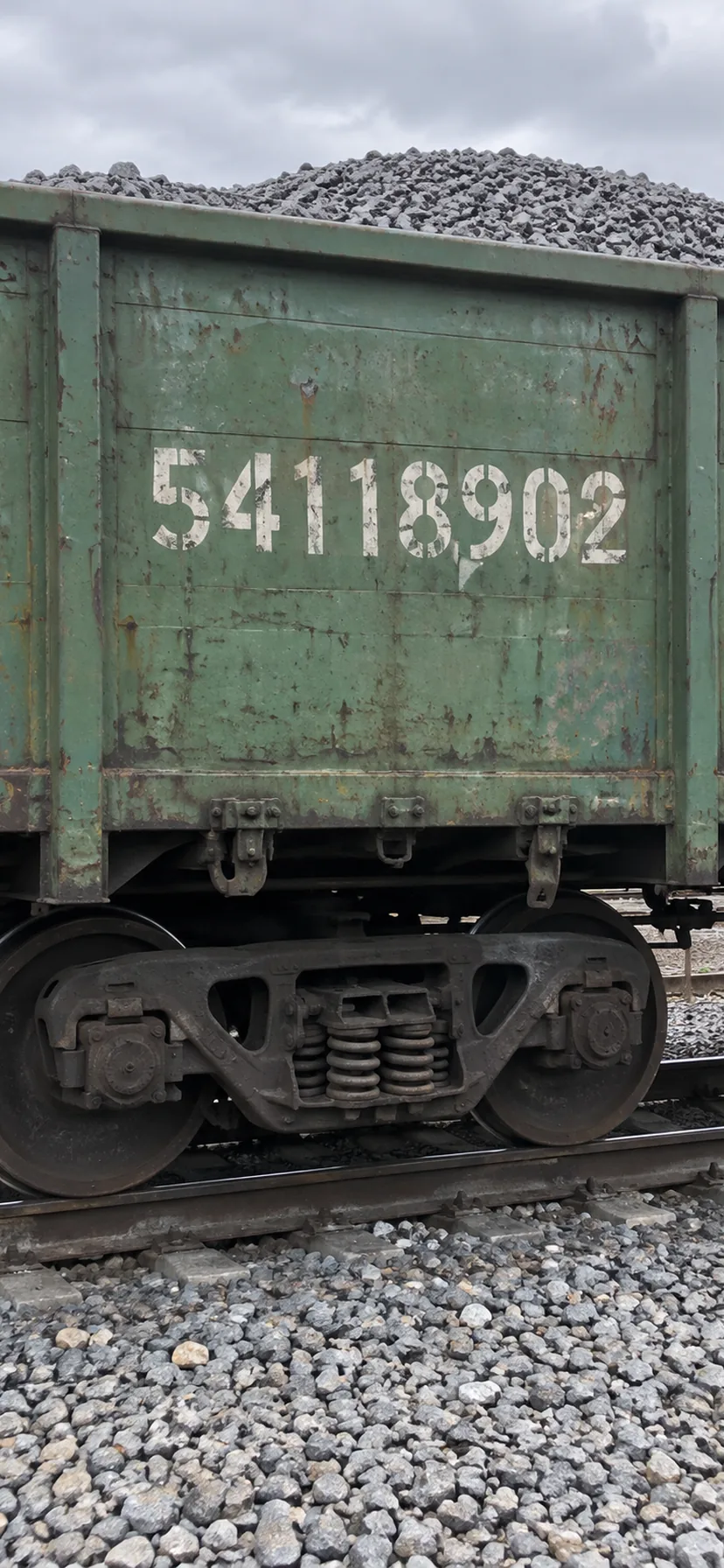
Containers had their own numbers, documents and states, yet they travelled inside wagons, so I kept that link in view.
Moving legal actions into the workflow
I brought legally significant signing into the document workflow, using a browser extension to work with the client’s certificate. Users could review what they were signing, select eligible documents and confirm a package without leaving the product.
Signing used to depend on separate software and USB certificates, which broke up the workflow and made bulk operations hard.
After signing, the product showed users what they had signed, the new state and what came next. Around 20% of documents went through this flow.
Automation taught us caution. An early option to auto-sign after a delay was easy to set up wrong and filled the support queue, so I made turning it on a deliberate, explicit step. We limited mass signing of waybills for the same reason: people had to understand each legal action they took.
Designing around the last reliable railway event
Rail freight tracking has little in common with a parcel service. RFID readers, station sensors, cameras reading wagon numbers and confirmations from staff on the ground provided location updates for most wagons.
I designed the product around the last reliable event: current station, timestamp, movement state, delay, expected delivery and related documents. The map helped with geography; the event timeline stayed the source of truth.
Clients also tracked wagons in bulk, in custom groups of up to 10,000 wagons or containers spread across the network, and switched between groups in the tracking view. The map clustered a group by location, so clients could read a large fleet and still open any single wagon.
Notifications used the same model: an arrival for loading, a move into storage, a delay or a document ready to sign appeared in the feed, with a link to the next action where one existed.
The same platform for operational roles
Freight customers were one audience among several. Wagon owners and RZD staff had their own views for fleet operations, company administration and document processing.
Inside RZD, staff used the same components to register companies, check the power of attorney a representative would sign under and process incoming documents. The dark theme sets these operational workspaces apart from the customer platform.
Designing mobile around work beside the train
My first mobile direction borrowed too much from desktop, where people worked with hundreds of wagons. Field research showed something else: on a phone, people cared about the train in front of them, about 20 wagons or fewer.
I rebuilt the mobile product around those short operational tasks. An RZD employee could inspect a wagon, attach photos and comments, and create the documents that changed its state. A client could scan a wagon or container number to identify the cargo, check when unloading could begin, sign a handover document, or file a complaint beside the train.
One constraint stayed out of design’s reach: some stations banned electronic devices. Staff there kept recording on paper and typed it in later at the office.
Research became part of every major release
I ran in-product surveys about once a quarter, and a round could draw around 5,000 responses. About 50 qualitative interviews and task-based prototype sessions followed, across company sizes, experience levels and satisfaction.
I also built a standing research group of about 20 companies. We got domain experts on call and early feedback; they saw and shaped proposals before development. Clients took part in large numbers because they saw their feedback change a product they depended on.
- 01 · In-product survey~5,000responses a round
- 02 · Patterns and recruitmentwho to talk to next
- 03 · Interviews and prototype testing~50participants
- 04 · Partner reviewbefore development
- 05 · Ship
- 06 · Usage and support signals
- ↻ back to 01 for the next cycle
- Standing partner companies~20in every round of 03 and 04
The research loop as text
- In-product survey, about quarterly: ~5,000 responses a round.
- Patterns and recruitment: who to talk to, by company size, experience and satisfaction.
- Interviews and task-based prototype testing: ~50 qualitative participants.
- Partner-company review: proposals seen before development.
- Ship.
- Usage and support signals, which start the next cycle.
- A standing group of ~20 partner companies feeds steps 3 and 4 in every cycle.
The hardest audience turned out to be internal. Long-time staff resisted when they began moving off the professional legacy system they had used for years. Winning them over took training, co-design, a staged rollout and leadership support.
Not every improvement could stay in the product
We also digitised the claims process, so disputing a charge and gathering its documents became much simpler for customers. An internal governance review later cut its scope, a reminder that organisational constraints shape an enterprise product as much as user needs do.
What changed
These results came from more than interface work. We digitised paper processes, changed workflows across several departments and gave clients and RZD employees faster ways through the steps the railway already required.
- Average cycle from accepted shipping documents to signed delivery paperwork
- 30 → 14 days
- Inquiries to RZD managers in the first year
- −45%
- Share of all complaints related to IT systems
- 23% → 5%
- Documents completed without paper
- 90%
- Satisfaction in quantitative research
- 89%
- Clone/reuse among regular shipments
- 91%
- Route-calculator usage among clients planning shipments
- 70%
I kept designing as the team grew from 1 to 5
I started as the hands-on designer behind the new product concept. As the team grew, I added a mid-level designer, then a junior who helped lay the mobile foundation, and in the end led a five-person design team on the portal, part of a design department of seven designers across four products.
I kept designing key flows, reviewing implementation, running research, defending process changes, mentoring designers and growing the design system. I also ran small internal hackathons to test ideas fast.
By the end, designers helped decide how processes worked, along with how screens looked.
What I would improve in a similar project
Treat mobile as a field tool earlier
At first I carried too much of the desktop mental model into mobile. Next time I would define the field context, batch size and physical constraints first, and design the mobile product around those jobs.
Instrument complex document branches earlier
The waybill had a huge decision tree. Interviews and support data taught us a lot; stronger behavioural instrumentation would have shown which branches failed or kept forcing corrections.
Formalise permissions earlier
Permissions grew more complex as companies delegated work across employees, roles and legal entities. I would set up the permission model as a product system in its own right from the start, before each workflow grew its own rules.
Open to Senior Product Designer roles
Based in Porto, Portugal, with authorisation to work here. Get in touch about a Senior Product Designer role or to discuss my work in more detail.